Vibe Coding is Real — Here's How to Add It to Your Workflow
Voice prompts, URL ingestion, design-to-prototype in seconds — vibe coding isn't a gimmick. A practical guide to using it without losing control.
A year ago, "vibe coding" was a joke. The idea that you could describe how you want your app to feel and have an AI turn that into working software sounded like marketing copy for tools that mostly generated mediocre boilerplate.
In 2026, it's not a joke anymore.
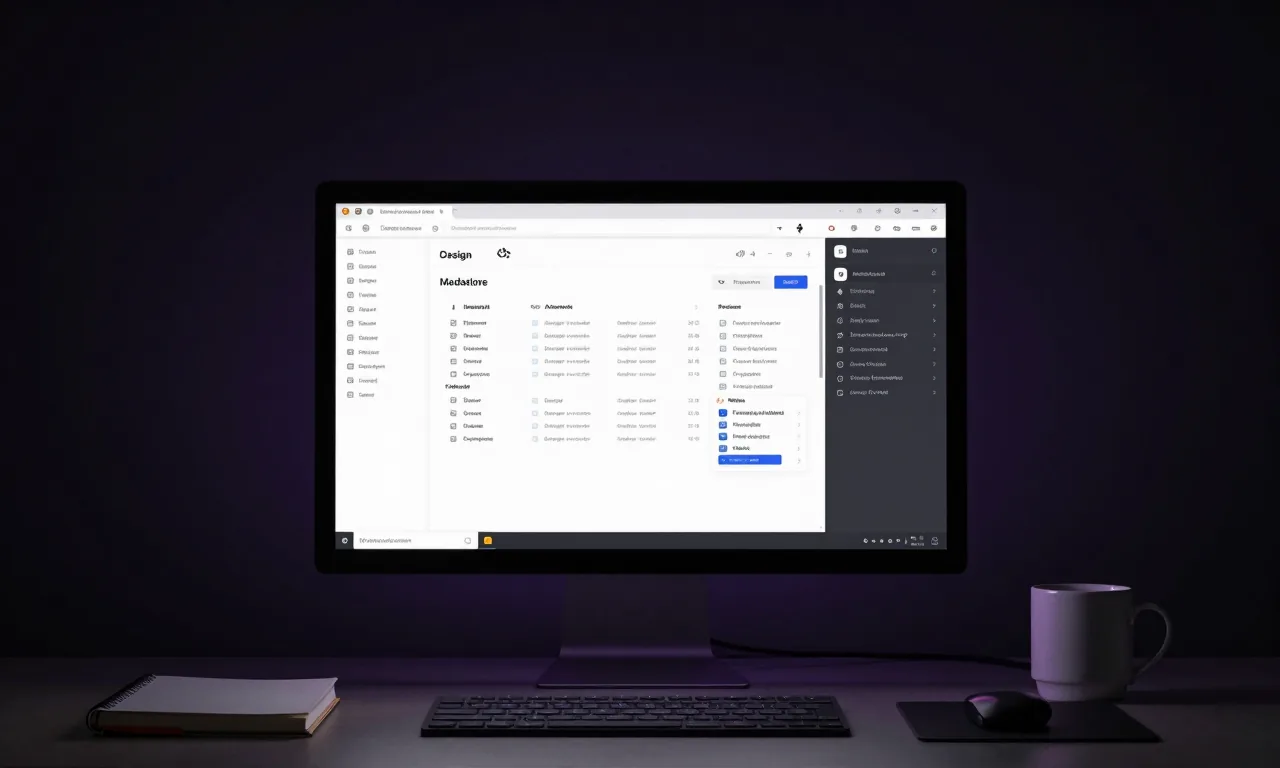
The tools have caught up to the promise. AI design tools like Google Stitch can take a vibe — a description, a screenshot, a URL, or a voice note — and produce interactive, responsive UI prototypes in under a minute. AI coding agents like Claude Code and GitHub Copilot can take those designs and turn them into working code with enough context.
The question isn't whether vibe coding works anymore. The question is how to use it effectively without losing control of what you're building.
What vibe coding actually means
The term gets thrown around loosely, so let me define it clearly.
Vibe coding isn't about being imprecise or lazy. It's about shifting the starting point of development from technical specification to intent and feeling.
Traditional development starts with a spec: "Build a registration form with fields for name, email, and password, validation on submit, and an API call to POST /users." Clear and implementable, but it starts from the solution, not the problem.
Vibe coding starts from the experience: "I want this to feel like Stripe's onboarding — clean, confident, minimal friction. Users should feel like they're in good hands." Then you get more specific as the AI gives you something to react to.
The difference isn't laziness. It's a different creative workflow. Designers have always worked this way. Now developers can too.
The core vibe coding toolkit in 2026
1. Google Stitch — for design and prototyping
Stitch is the best starting point for vibe coding a UI. The workflow:
- Describe your vibe. "A clean B2B SaaS dashboard — professional, data-dense, slightly minimal. Think Linear or Notion, not Salesforce."
- Feed it a reference. Drop in a URL of a site whose design language you want to borrow. Stitch extracts the design system and applies it to your product.
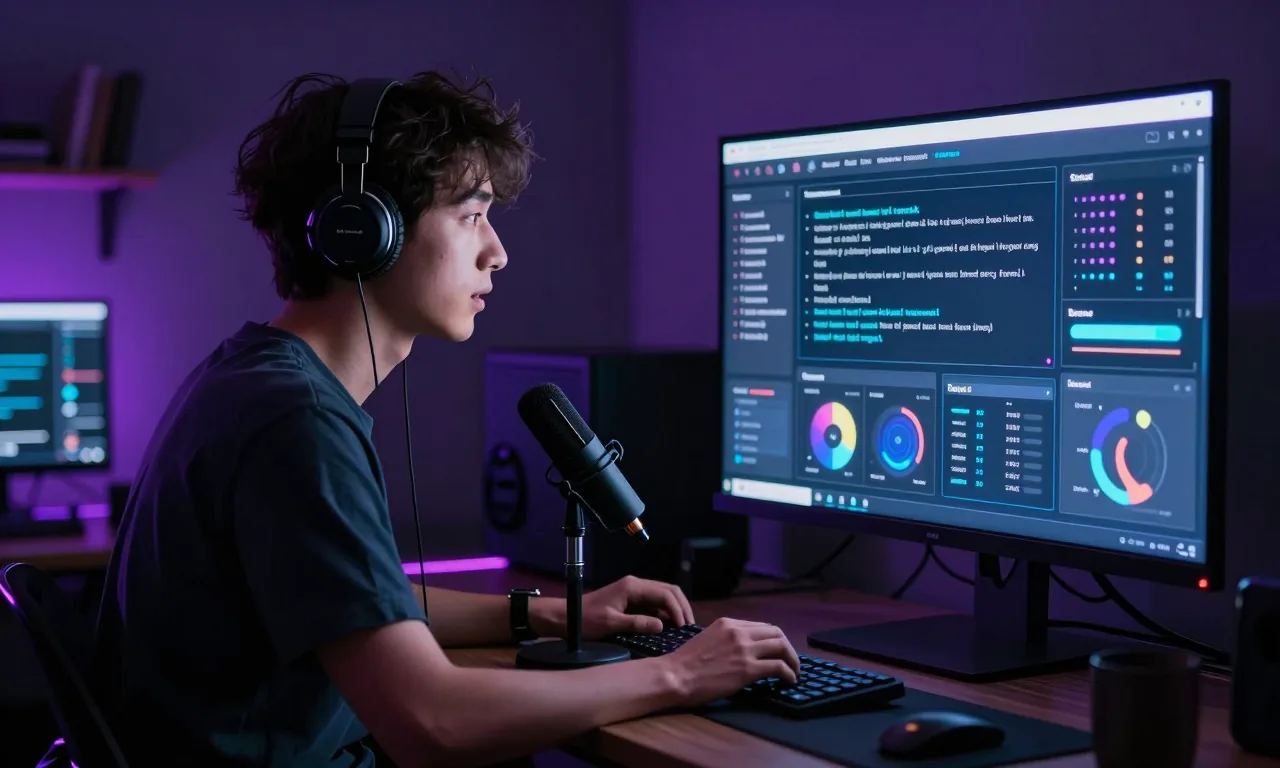
- Iterate with voice. Click the microphone. Talk to Gemini directly. "Make the sidebar narrower. Add a notification badge to the nav. Give the table more breathing room." Faster than typing, more natural than prompting.
- Export the design file. Save your design system as a markdown file. It travels with your project and gives every subsequent AI interaction design context.
2. Claude Code / GitHub Copilot — for implementation
Once you have a design direction, bring in a coding agent:
- Feed it your design markdown file as context
- Describe the component you need in terms of the design system
- Review, don't blindly accept. AI-generated code needs human judgment.
3. v0 by Vercel — for component generation
v0 is particularly good for generating individual UI components from descriptions or screenshots. It produces clean React code that integrates well with existing projects. Useful for filling in specific components without regenerating your entire UI.
A practical vibe coding workflow
Here's how a real project flow looks when you integrate these tools.
Phase 1: vibe definition (30 minutes)
- Write a paragraph describing the feeling and audience of your product
- Collect 3 to 5 reference sites or apps that have design elements you like
- Define your key user flows at a high level (not technical specs, just journeys)
Phase 2: design system generation (1 hour)
- Feed your vibe and references into Stitch
- Generate a homepage and 2 to 3 key screens
- Refine with voice and text until the visual language feels right
- Export the design markdown file
Phase 3: implementation (ongoing)
- Start each new component or screen with a reference to the design file
- Use Claude Code or Copilot to generate the implementation
- Review for correctness, accessibility, and consistency
- Catch the things AI misses: edge cases, error states, accessibility
Phase 4: review cycle
- At the end of each sprint, do a design consistency check
- AI drift is real. Components generated weeks apart can start to diverge.
- Update the design file periodically as your design system evolves
What vibe coding gets wrong (and how to compensate)
Being honest about the limitations matters as much as being excited about the possibilities.
Accessibility is inconsistent. AI-generated UIs often look great but fail basic accessibility tests. Missing alt text, poor color contrast, non-keyboard-navigable components. Always run an accessibility audit on AI-generated UI. Tools like axe or Lighthouse make it easy.
Edge cases are invisible. AI generates for the happy path. Empty states, error states, loading states, edge case data (very long names, zero results, huge numbers) often require explicit prompting or manual addition.
Code quality varies. AI-generated code isn't always idiomatic or maintainable. It may work correctly but be structured in ways that make it hard to extend. Read the generated code, not just the visual output.
Context decay. AI coding agents don't have infinite context. On long projects, they forget earlier decisions. The design markdown file helps, but you still need to be deliberate about maintaining context for your coding agent. Learning prompt engineering techniques helps you communicate more effectively with these tools and reduce context loss.
It's still your product. AI can generate a login screen. Only you know whether the login experience actually serves your users. The creative and strategic judgment remains yours. The tools are more capable than ever. The thinking is still your job.
Who should add this to their workflow
Solo developers building side projects. Vibe coding dramatically accelerates the design phase. You no longer need to either hire a designer or ship something that looks unfinished.
Developers in small teams without dedicated design resources. Same principle at larger scale. A working design system, generated and maintained with AI assistance, is better than no design system.
Product managers who want to prototype quickly. The barrier to producing a clickable prototype for stakeholder review or user testing has dropped to hours, not weeks.
Developers re-entering projects. Feeding the design file and codebase to an AI agent before resuming work significantly reduces the "what was I doing here?" problem.
The honest bottom line
Vibe coding works best when you approach it as a collaboration, not a delegation. You bring the intent, the taste, the domain knowledge, and the critical judgment. The AI brings speed, breadth, and consistency.
The developers getting the most out of these tools aren't the ones who prompt once and ship. They're the ones who iterate quickly, review carefully, and know what to look for when AI gets it wrong.
The vibe gets you started. The craft gets you finished.
What's your vibe coding stack? Are you using Stitch, v0, something else? I'm curious what combinations people are finding most effective.
Related Reading:
Enjoying this article?
Get posts like this in your inbox. No spam, unsubscribe anytime.