Google Stitch Just Changed UI Design Forever
Google's AI tool Stitch now turns vibes into interactive prototypes in seconds. What changed, why it matters, and what developers should do about it.
There's a phrase developers have used for years to explain why their apps look terrible: "I'm not a designer."
That excuse just got harder to use.
Google's latest update to Stitch, their AI-powered UI design tool, doesn't just make design easier. It collapses the gap between having an idea and having a working, interactive prototype. And it's doing it fast enough that the old way of doing things is starting to look genuinely obsolete.
What is Google Stitch?
Stitch is Google's infinite-canvas AI design tool, built for generating UI/UX designs for web pages and app screens. Think of it as the design equivalent of what GitHub Copilot did for code, except instead of helping you write code faster, it helps you skip the design phase almost entirely.
The premise is simple: you describe the vibe of what you want to build, and Stitch figures out the rest.
That could mean a text prompt. It could mean a screenshot. It could be a URL of a site whose design you want to borrow (they call this "inspiration", we all know what it really is). Or, in the latest update, it could literally be you whispering into your microphone.
What's new in the latest update
The update that's getting everyone talking includes several additions.
1. Upgraded renderer
The visual quality of generated designs has jumped noticeably. Components look cleaner, typography is tighter, and the overall output is closer to something a senior designer would produce rather than something you'd find in a free template pack from 2019.
2. Voice interaction via Gemini
You can now talk directly to Gemini within Stitch to iterate on designs conversationally. "Make it bolder." "Add a chat feature with a Grindr-like aesthetic." "What should we design next?" It responds, reasons, and generates, all in real time.
This isn't just a gimmick. For developers who find writing design prompts awkward, voice interaction lowers the friction of iteration significantly.
3. URL ingestion for design systems
Feed Stitch any website URL and it will extract and replicate the design system: spacing, typography, colour palette, component patterns. Point it at a site you admire and you'll have a working design system generated in under a minute.
4. The design markdown file, the real game changer
This is the quiet feature that deserves the most attention.
Stitch can now export your entire design system as a design markdown file, a structured, portable format that can be picked up by other AI coding tools like Claude Code or OpenAI Codex. Feed this file into your coding agent of choice and it generates code that's visually consistent with your design system.
The implication? Consistent design across multiple projects without a designer on the team. Design decisions made once, reused everywhere, enforced automatically.
What Stitch gets right that other tools don't
Most AI design tools generate static images, glorified mood boards. Stitch generates interactive components.
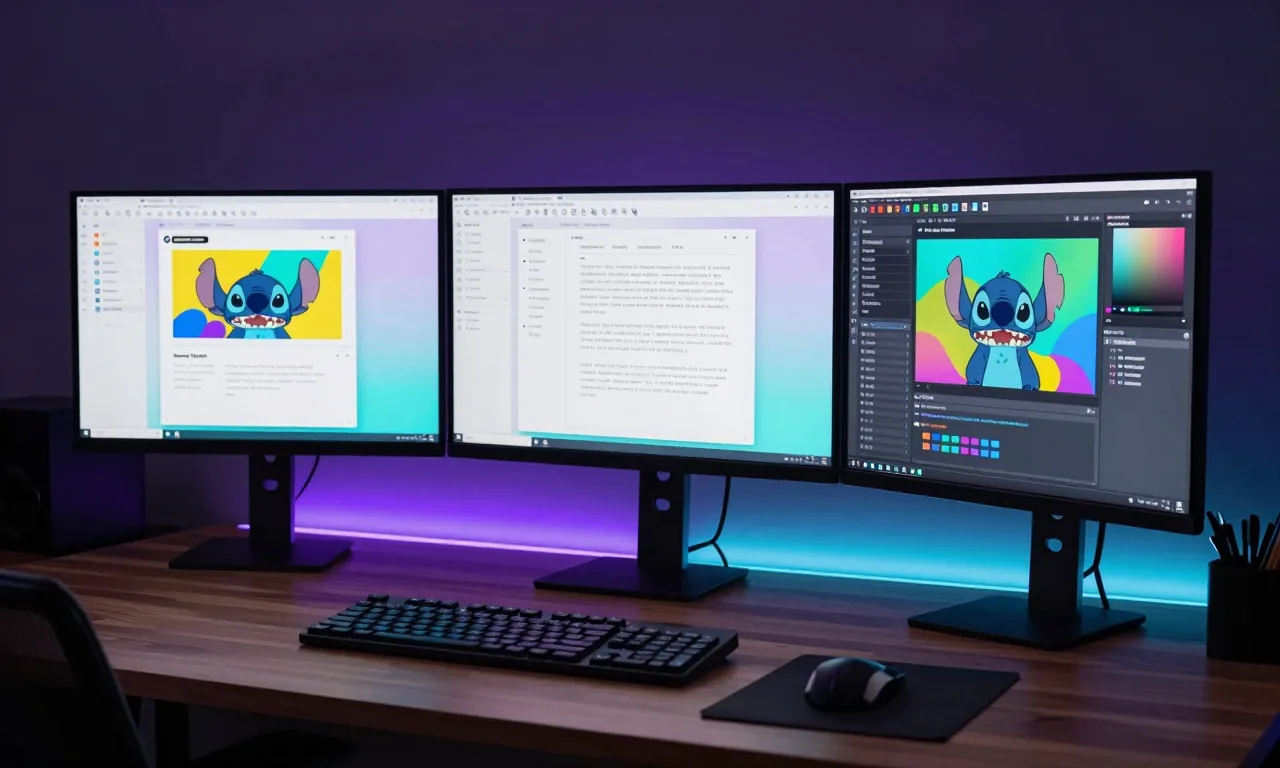
Every element it produces is a real, modifiable UI component. You can adjust individual elements, preview the result across device sizes, simulate full user flows, and export to Figma if you want to edit at the component level.
So the output isn't a starting point for a designer. It's a starting point for a developer. The gap between design and implementation just got a lot narrower.
The Tailwind casualty
It's worth noting what's happening in the broader ecosystem as tools like Stitch mature.
Tailwind CSS, one of the most beloved developer tools of the last five years, recently had to lay off most of its team. Tailwind built a great developer experience around utility-first CSS. But it was always a tool for implementing design decisions, not making them.
When AI can turn a vibe into a complete, responsive UI in 30 seconds, the need to memorise flex, bg-blue-500, gap-4, and hundreds of other utility classes starts to feel less necessary. Tailwind is still widely used. But the business model of selling premium templates in a world where AI generates bespoke UIs on demand is genuinely difficult.
This isn't a criticism of Tailwind. It's a reflection of how quickly the stack is changing.
What developers should actually do
Stop waiting for a designer. If you have an idea for a side project, an internal tool, or a product feature, open Stitch, describe what you want, and get a working prototype in under an hour. That removes one of the biggest blockers for solo developers.
Learn to prompt design, not just code. The skill of describing UI intent clearly, knowing how to articulate spacing, hierarchy, tone, and user flow, is becoming genuinely valuable. It's not the same as learning CSS. It's closer to knowing how to brief a designer.
Integrate the design markdown workflow. If you're building anything significant with AI coding tools, set up a design system via Stitch, export the markdown file, and feed it into your coding agent. Consistency at scale, without the overhead.
Don't ignore design entirely. Stitch is powerful, but it still needs direction. Developers who understand basic design principles (visual hierarchy, whitespace, contrast) will get dramatically better results than those who don't. The bar to entry has dropped, but it hasn't disappeared.
The bigger picture
What's happening with Stitch is part of a broader pattern: the collapse of specialist silos in software development.
A few years ago, you needed a designer for design, a frontend developer for implementation, a backend developer for APIs, and a DevOps engineer for deployment. AI is compressing all of those roles. Not eliminating them, but changing what they require and who can do them.
The developers who will thrive are the ones who can operate effectively across the full stack, using AI to fill the gaps. Google Stitch is one more tool that makes that possible. Pairing it with strong prompt engineering skills makes the design-to-code pipeline even more effective.
Have you tried Google Stitch? What's your experience been? Drop a comment, I'm curious whether other developers are finding it as useful as the demos suggest.
Related Reading:
Enjoying this article?
Get posts like this in your inbox. No spam, unsubscribe anytime.