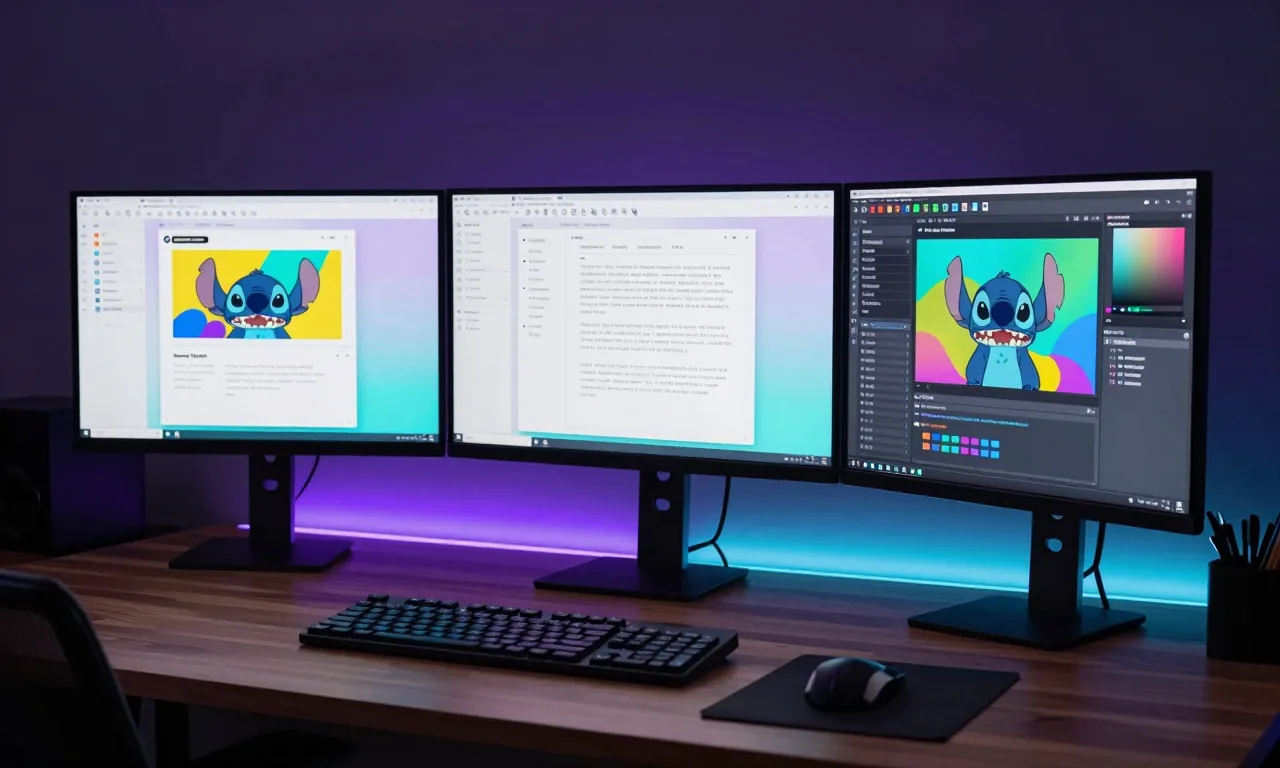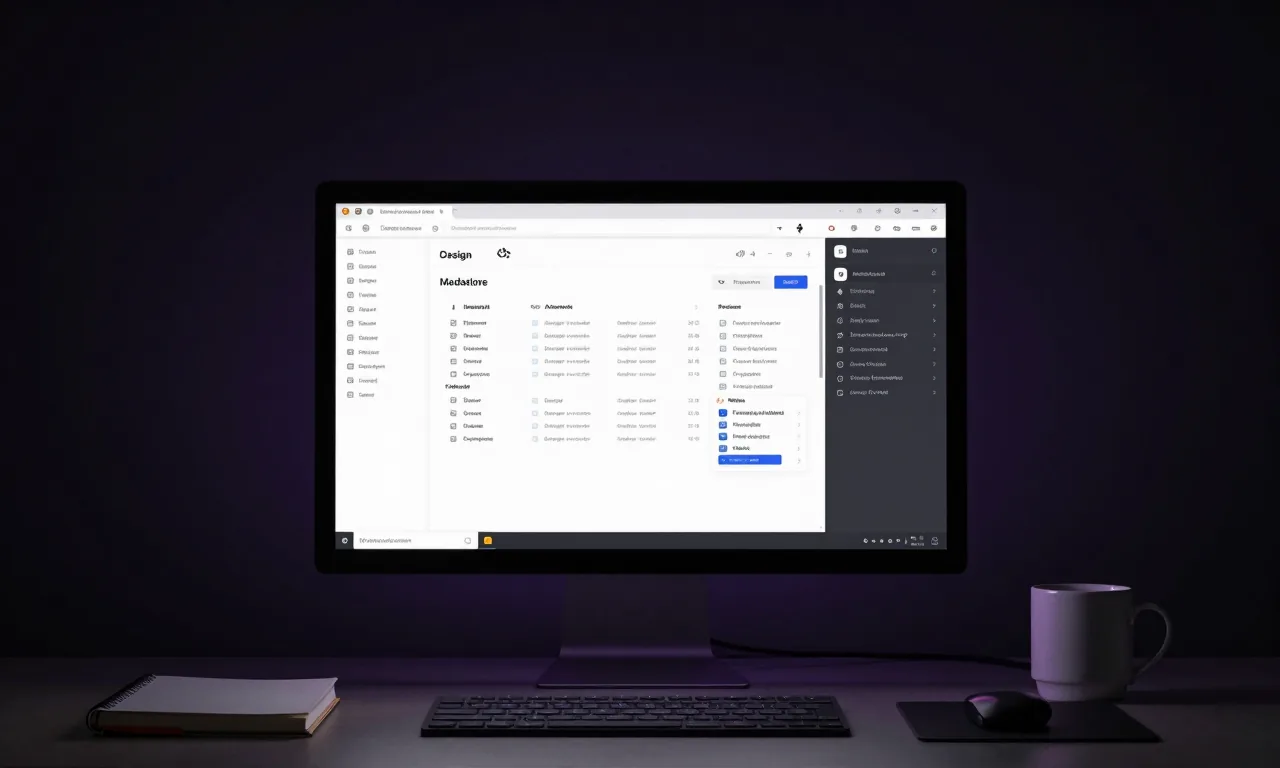
Design Markdown: The Quiet Feature Changing AI Apps
Google Stitch's new design-markdown export looks minor but isn't. Why consistent AI-generated design across projects matters more than it appears.
Every major AI design tool announcement comes with flashy demos — beautiful UIs generated in seconds, voice-controlled prototypes, instant responsiveness. And those are genuinely impressive.
But in Google Stitch's latest update, the most important new feature is one you could easily scroll past: a humble markdown file.
It doesn't look like much. But it might be the feature that finally makes AI-generated design practical at scale.
The Consistency Problem Nobody Talks About
If you've used AI tools to generate UI — whether Stitch, v0, or a coding agent like Claude or Copilot — you've probably run into this problem.
The first screen looks great. The second screen looks… different. The button radius changed. The spacing feels off. The typography scale doesn't quite match. Individually, each generated component is fine. Together, they look like they came from three different products.
This is the consistency problem. And it's one of the main reasons teams with real design systems have been reluctant to fully embrace AI-generated UI.
AI is good at generating individual components. It's much harder to get AI to generate coherent interfaces that feel like they belong to the same product — unless every prompt includes a detailed description of every design decision made so far.
That's tedious. Nobody does it consistently. And the result is visual incoherence at scale.
What the Design Markdown File Solves
Stitch's new design markdown export is essentially a machine-readable design system document.
When you build a design system in Stitch — define your colour palette, your type scale, your spacing system, your component patterns — you can export all of that as a single markdown file. It captures:
- Colour tokens and their intended use
- Typography scale and font choices
- Spacing and layout rules
- Component variants and their states
- Overall tone and design language
This file can then be fed directly into AI coding tools — Claude, OpenAI Codex, or any other coding agent — as context. Every subsequent code generation request that includes this file will produce output that aligns with the design system.
One design decision. Enforced everywhere. Automatically.
Why This Is a Bigger Deal Than It Sounds
Think about what this enables in practice:
Solo developers building multi-screen apps. No more visual inconsistency between screens. Define the design system once, reference it in every generation.
Small teams without a dedicated designer. The design file becomes the source of truth that everyone — human and AI — works from. New team members (and new AI contexts) get up to speed on the design language immediately.
Multi-project consistency. If you have a design language you use across several products or clients, the design file travels with you. Your AI-generated code looks like your work, not generic AI output.
Design handoff without Figma. For smaller teams, the design file can replace the traditional design → Figma → developer handoff workflow entirely. The design intent is encoded in the file. The AI handles the implementation.
How to Integrate This Into Your Workflow
If you're building with AI coding tools, here's a practical approach:
Step 1: Build your design system in Stitch. Start with a URL or description of the visual style you want. Let Stitch generate a design system. Refine it until it matches your intent.
Step 2: Export the design markdown file. Keep it in your project repository. Treat it like a design specification document — it should live alongside your code.
Step 3: Reference it in every AI coding prompt. When asking Claude Code, Copilot, or Codex to generate a new component or screen, include the design file as context. "Here is our design system. Build a settings page that follows these guidelines."
Step 4: Review for consistency. AI won't follow the design system perfectly every time. Your job is to check the output and correct deviations. Over time, your prompts will get better at directing the AI toward the system.
The Broader Pattern
The design markdown file is part of a broader shift in how AI tools are evolving.
Early AI tools were generative but stateless — every interaction started fresh, with no memory of prior decisions. That made them useful for one-off tasks but difficult to integrate into ongoing projects.
The design file is essentially a form of persistent context. It encodes decisions made earlier in the project and carries them forward into every subsequent AI interaction. That's a fundamentally different relationship between AI and the design process.
We're seeing this pattern emerge across the stack. Coding agents have project context files (CLAUDE.md, AGENTS.md). Design tools now have design markdown files. The trend is toward AI that operates with awareness of your specific project — its constraints, its conventions, its history.
As that trend continues, the value of defining things clearly — your design language, your architecture decisions, your coding conventions — goes up. AI amplifies whatever you give it. If you give it clarity, it gives you consistency. If you give it vagueness, it gives you noise.
What To Do Right Now
If you're building any kind of product with AI assistance, spend an hour in Google Stitch this week. Not to generate a UI — to generate a design system.
Think about the visual language you want your product to have. Feed Stitch some inspiration. Refine the output. Export the design markdown file. Drop it in your repo.
That single file is now an asset that travels across every AI interaction in your project. It's a small thing to set up. It's a significant thing to have.
Are you using a design system with your AI coding workflow? I'd be curious to hear how you're handling design consistency — especially if you're a solo developer or small team.
Related Reading:
Enjoying this article?
Get posts like this in your inbox. No spam, unsubscribe anytime.