MCP: How 'USB-C for AI' Became the Standard
Model Context Protocol went from a Nov 2024 release to 97M SDK downloads, adopted by ChatGPT, Gemini, and VS Code. A technical getting-started guide.
In November 2024, Anthropic quietly released the Model Context Protocol (MCP)—an open standard for connecting AI models to external tools and data. Fourteen months later, it had become the de facto standard for AI integrations, with 97 million+ monthly SDK downloads, 10,000+ active servers, and adoption by ChatGPT, Gemini, Microsoft Copilot, and VS Code, as of around early 2026 — adoption metrics like these move fast, so treat them as a snapshot rather than today's number. In December 2025, Anthropic donated MCP to the Linux Foundation, cementing its status as an industry standard. Here's everything you need to know.
What MCP Actually Does
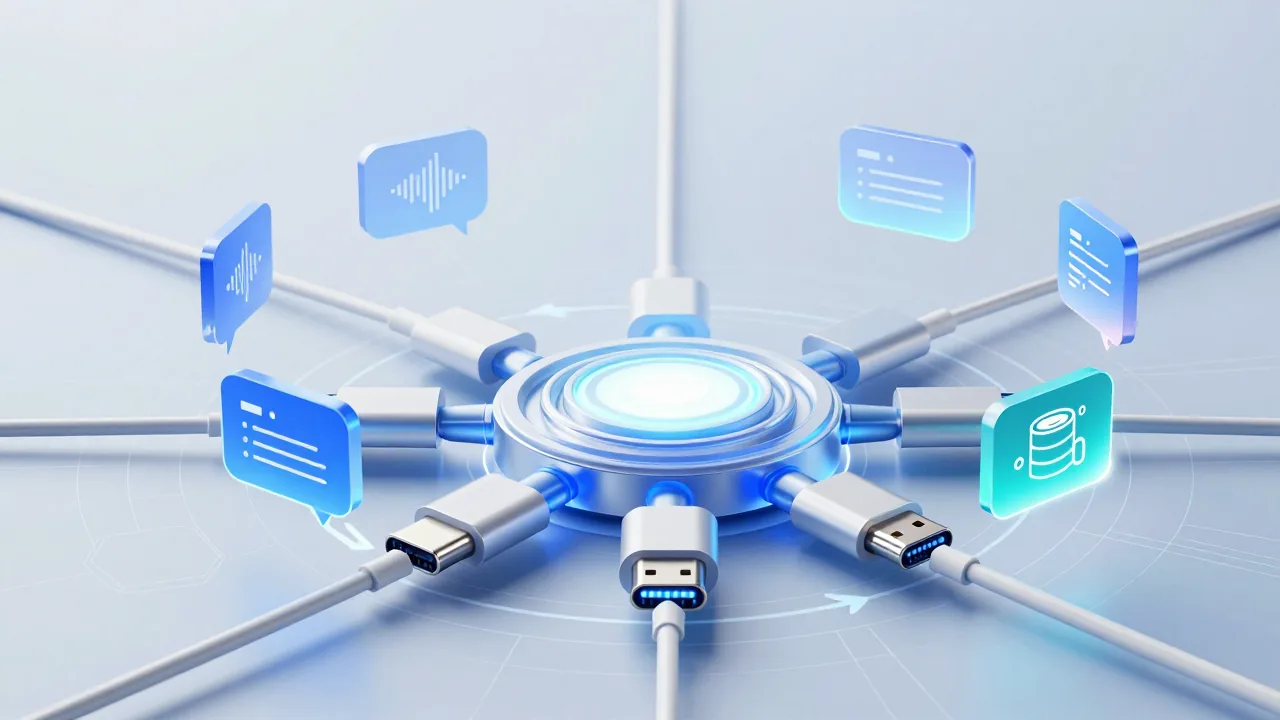
Think of MCP as USB-C for AI—a universal connector that lets any AI model talk to any tool or data source.
The Problem MCP Solves
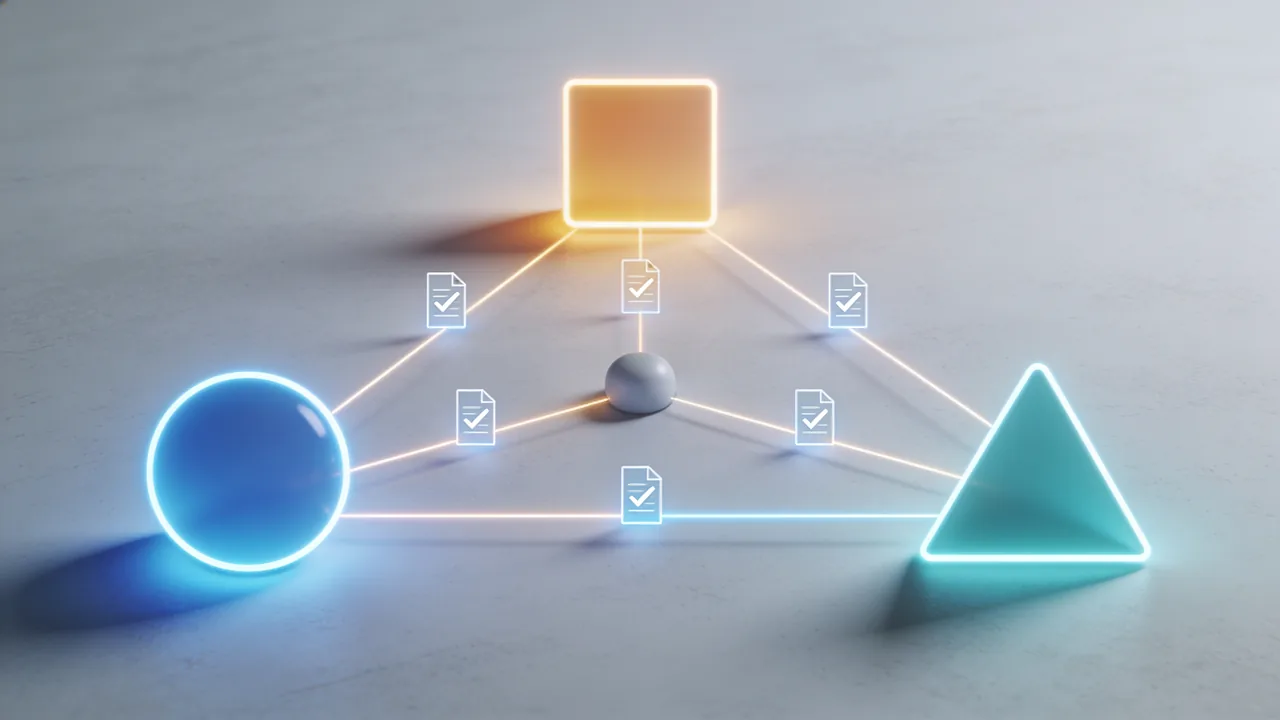
Before MCP, connecting AI to tools meant:
- Custom integrations for each model × each tool
- N models × M tools = N×M integrations
- Inconsistent interfaces, duplicated effort
With MCP:
- Each tool implements MCP once
- Each model supports MCP once
- Everything connects to everything
The Architecture
┌─────────────┐     MCP Protocol     ┌─────────────┐
│   AI Host   │◄────────────────────►│  MCP Server │
│  (Claude,   │                      │  (Tool/DB/  │
│   ChatGPT)  │                      │   Service)  │
└─────────────┘                      └─────────────┘
       │                                    │
       │       Standardized JSON-RPC        │
       │      over stdio/SSE/WebSocket      │
       ▼                                    ▼
   Any AI App                          Any Data Source
The Adoption Explosion
Timeline
| Date | Milestone |
|---|---|
| Nov 2024 | Anthropic releases MCP |
| Jan 2025 | First 1,000 community servers |
| Mar 2025 | OpenAI adds MCP support |
| Jun 2025 | Google Gemini integration |
| Aug 2025 | Microsoft Copilot adoption |
| Oct 2025 | VS Code native support |
| Dec 2025 | Donated to Linux Foundation |
| Jan 2026 | 10,000+ servers, 97M+ downloads |
Who's Using It
| Company | Integration |
|---|---|
| Anthropic | Claude Desktop, Claude.ai |
| OpenAI | ChatGPT, Codex CLI |
| Gemini, AI Studio | |
| Microsoft | Copilot, VS Code |
| Cursor | Native MCP support |
| JetBrains | IDE integrations |
| Sourcegraph | Cody AI |
Core Concepts
Resources
Resources are data exposed to AI models. Examples:
- File contents
- Database records
- API responses
- Screenshots
{
  "uri": "file:///path/to/document.md",
  "name": "Project README",
  "mimeType": "text/markdown"
}
Tools
Tools are actions the AI can take. Examples:
- Run shell commands
- Query databases
- Send messages
- Create files
{
  "name": "run_query",
  "description": "Execute a SQL query",
  "inputSchema": {
    "type": "object",
    "properties": {
      "query": {"type": "string"}
    }
  }
}
Prompts
Prompts are pre-built templates for common tasks:
{
  "name": "explain_code",
  "description": "Explain a code snippet",
  "arguments": [
    {"name": "code", "required": true}
  ]
}
Building Your First MCP Server
Python Example
from mcp import Server, Resource, Tool
server = Server(#a5d6ff">"my-server")
@server.resource(#a5d6ff">"config://app")
async def get_config():
    #a5d6ff">"""Expose application configuration."""
    return Resource(
        uri=#a5d6ff">"config://app",
        name=#a5d6ff">"App Configuration",
        text=open(#a5d6ff">"config.json").read()
    )
@server.tool(#a5d6ff">"search_logs")
async def search_logs(query: str, limit: int = 100):
    #a5d6ff">"""Search application logs."""
    results = log_search(query, limit)
    return {#a5d6ff">"matches": results}
if __name__ == #a5d6ff">"__main__":
    server.run()
TypeScript Example
import { Server } from "@modelcontextprotocol/sdk";
const server = new Server({
  name: "my-server",
  version: "1.0.0"
});
server.addResource({
  uri: "docs://readme",
  name: "Documentation",
  async read() {
    return { text: await fs.readFile("README.md", "utf-8") };
  }
});
server.addTool({
  name: "deploy",
  description: "Deploy to production",
  inputSchema: {
    type: "object",
    properties: {
      environment: { type: "string", enum: ["staging", "production"] }
    }
  },
  async execute({ environment }) {
    return await deployTo(environment);
  }
});
server.start();
Popular MCP Servers
Official Servers
| Server | Function | Use Case |
|---|---|---|
@mcp/filesystem | File operations | Local file access |
@mcp/git | Git operations | Repository management |
@mcp/postgres | PostgreSQL | Database queries |
@mcp/sqlite | SQLite | Local databases |
@mcp/puppeteer | Browser automation | Web scraping |
@mcp/fetch | HTTP requests | API integration |
Community Favorites
| Server | Function | Stars |
|---|---|---|
mcp-server-github | GitHub API | 2,400+ |
mcp-server-notion | Notion integration | 1,800+ |
mcp-server-slack | Slack operations | 1,500+ |
mcp-server-linear | Linear issues | 1,200+ |
mcp-server-stripe | Payment processing | 900+ |
Connecting MCP to Claude
Claude Desktop Configuration
Edit ~/Library/Application Support/Claude/claude_desktop_config.json:
{
  "mcpServers": {
    "filesystem": {
      "command": "npx",
      "args": ["-y", "@modelcontextprotocol/server-filesystem", "/path/to/files"]
    },
    "github": {
      "command": "npx",
      "args": ["-y", "mcp-server-github"],
      "env": {
        "GITHUB_TOKEN": "your-token-here"
      }
    },
    "postgres": {
      "command": "npx",
      "args": ["-y", "@modelcontextprotocol/server-postgres"],
      "env": {
        "DATABASE_URL": "postgresql://..."
      }
    }
  }
}
VS Code Configuration
{
  "mcp.servers": {
    "project": {
      "command": "node",
      "args": ["./mcp-server/index.js"]
    }
  }
}
Security Considerations
The Risks
MCP servers can:
- Read sensitive files
- Execute arbitrary commands
- Access databases
- Make network requests
This is powerful and dangerous.
Best Practices
| Risk | Mitigation |
|---|---|
| Credential exposure | Use environment variables, not config files |
| Overly broad access | Scope servers to specific directories/resources |
| Untrusted servers | Only use audited, trusted servers |
| Command injection | Validate and sanitize all inputs |
| Data exfiltration | Monitor and log all tool invocations |
Server Isolation
{
  "mcpServers": {
    "safe-fs": {
      "command": "npx",
      "args": [
        "@modelcontextprotocol/server-filesystem",
        "/safe/directory/only"
      ],
      "sandbox": true
    }
  }
}
Anti-Patterns to Avoid
1. The "God Server"
Don't: Create one server that does everything
Do: Create focused, single-purpose servers
2. Leaking Secrets
Don't: Hardcode tokens in server code
Do: Use environment variables, secret managers
3. Unrestricted File Access
Don't: server-filesystem /
Do: server-filesystem /project/specific/path
4. No Input Validation
Don't: Pass user input directly to shell commands
Do: Validate, sanitize, and constrain all inputs
5. Missing Error Handling
Don't: Let errors propagate uncaught
Do: Handle errors gracefully, provide useful messages
The Linux Foundation and Agentic AI Foundation
In December 2025, Anthropic donated MCP to the Linux Foundation, which created the Agentic AI Foundation to govern it.
What This Means
- Neutral governance: No single company controls MCP
- Industry collaboration: Competitors cooperate on standards
- Long-term stability: Foundation ensures continuity
- Accelerated adoption: Enterprise confidence increases
Foundation Members
- Anthropic (founding)
- OpenAI
- Microsoft
- Amazon
- Meta
- Plus 50+ other organizations
Building Production MCP Systems
Observability
import logging
from opentelemetry import trace
tracer = trace.get_tracer(__name__)
@server.tool(#a5d6ff">"query_database")
async def query_database(sql: str):
    with tracer.start_as_current_span(#a5d6ff">"mcp_query_database") as span:
        span.set_attribute(#a5d6ff">"sql.query", sql[:100])
start = time.time()
        result = await db.execute(sql)
span.set_attribute(#a5d6ff">"result.count", len(result))
        logging.info(f#a5d6ff">"Query completed in {time.time()-start:.2f}s")
return result
Rate Limiting
from asyncio import Semaphore
rate_limiter = Semaphore(10)  # Max 10 concurrent
@server.tool(#a5d6ff">"expensive_operation")
async def expensive_operation(params):
    async with rate_limiter:
        return await do_expensive_thing(params)
Caching
from functools import lru_cache
@lru_cache(maxsize=1000)
def cached_lookup(key: str):
    return database.get(key)
@server.resource(#a5d6ff">"data://{key}")
async def get_data(key: str):
    return Resource(
        uri=f#a5d6ff">"data://{key}",
        text=json.dumps(cached_lookup(key))
    )
What's Next for MCP
2026 Roadmap
| Feature | Timeline | Impact |
|---|---|---|
| Streaming resources | Q1 2026 | Real-time data feeds |
| Server discovery | Q1 2026 | Automatic connection |
| Permission scopes | Q2 2026 | Granular access control |
| Multi-modal resources | Q2 2026 | Images, audio, video |
| Server federation | Q3 2026 | Distributed architectures |
Emerging Patterns
- Agent-to-agent communication: MCP as inter-agent protocol
- Enterprise catalogs: Managed MCP server registries
- Compliance frameworks: Audit-ready server implementations
Getting Started Checklist
Week 1: Explore
- [ ] Install Claude Desktop
- [ ] Configure filesystem server
- [ ] Try GitHub and/or Notion servers
- [ ] Read 3 popular server implementations
Week 2: Build
- [ ] Identify a data source to expose
- [ ] Create minimal MCP server
- [ ] Add 2-3 tools
- [ ] Test with Claude
Week 3: Deploy
- [ ] Add proper error handling
- [ ] Implement logging
- [ ] Security audit
- [ ] Share with team
Conclusion
MCP's journey from Anthropic side project to industry standard demonstrates the power of open protocols. By solving the N×M integration problem, MCP has:
- Enabled tools to work with any AI model
- Reduced integration effort by orders of magnitude
- Created a thriving ecosystem of 10,000+ servers
- Established trust through Linux Foundation governance
For developers, MCP is now table stakes. Understanding how to build and consume MCP servers isn't optional—it's essential for working with AI in 2026 and beyond. Tools like Claude Code already leverage MCP extensively to connect to your entire development workflow.
The "USB-C for AI" analogy isn't just marketing. Like USB-C unified charging and data transfer, MCP is unifying how AI connects to the world. Get connected.
Sources:
- Anthropic MCP Documentation
- Linux Foundation Agentic AI Foundation
- Thoughtworks Technology Radar
- Community server registry (mcp.so)
Related Reading:
Enjoying this article?
Get posts like this in your inbox. No spam, unsubscribe anytime.